What's Inside
Multi-database
Supports PostgreSQL, MySQL, MariaDB, SQL Server, Oracle and SQLite3
Modern
Intuitive interface that helps and does not get in your way.
Switchable themes and UI scaling
Secure
Privacy-first, no data collection, no telemetry.
Keeps your credentials in encrypted form.
Powerful
View database performance metrics
Run backups
Manage Roles and Extensions
Tune your PostgreSQL server parameters
Connect to your environment via SSH tunnels
Convenient
Use multiple database workspaces at once.
Edit data in a familiar spreadsheet-like way.
Easily locate database objects with fuzzy search.
Supports hot-keys and keyboard navigation for core features.
Smart
Shows schema- and context-aware suggestions for tables, views, columns, aliases, and functions as you type.
Adds query error annotations in the exact place that is causing problems
Copy table data as Markdown, JSON or CSV
How It Looks
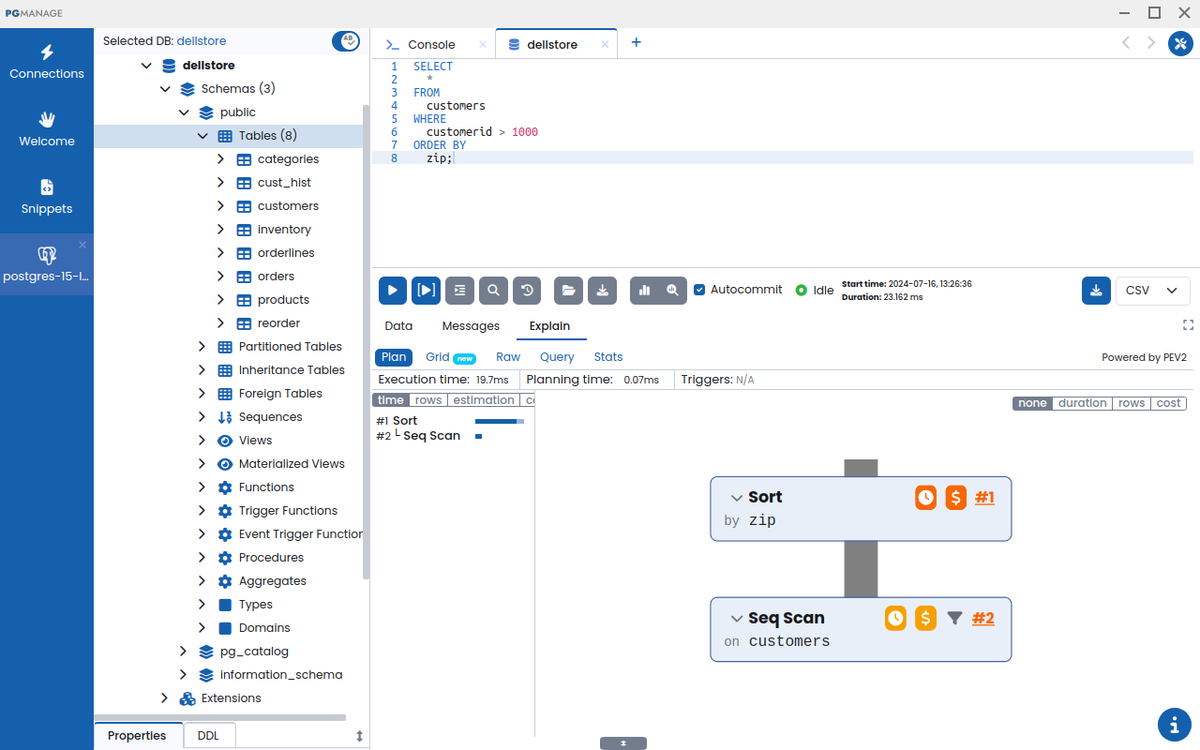
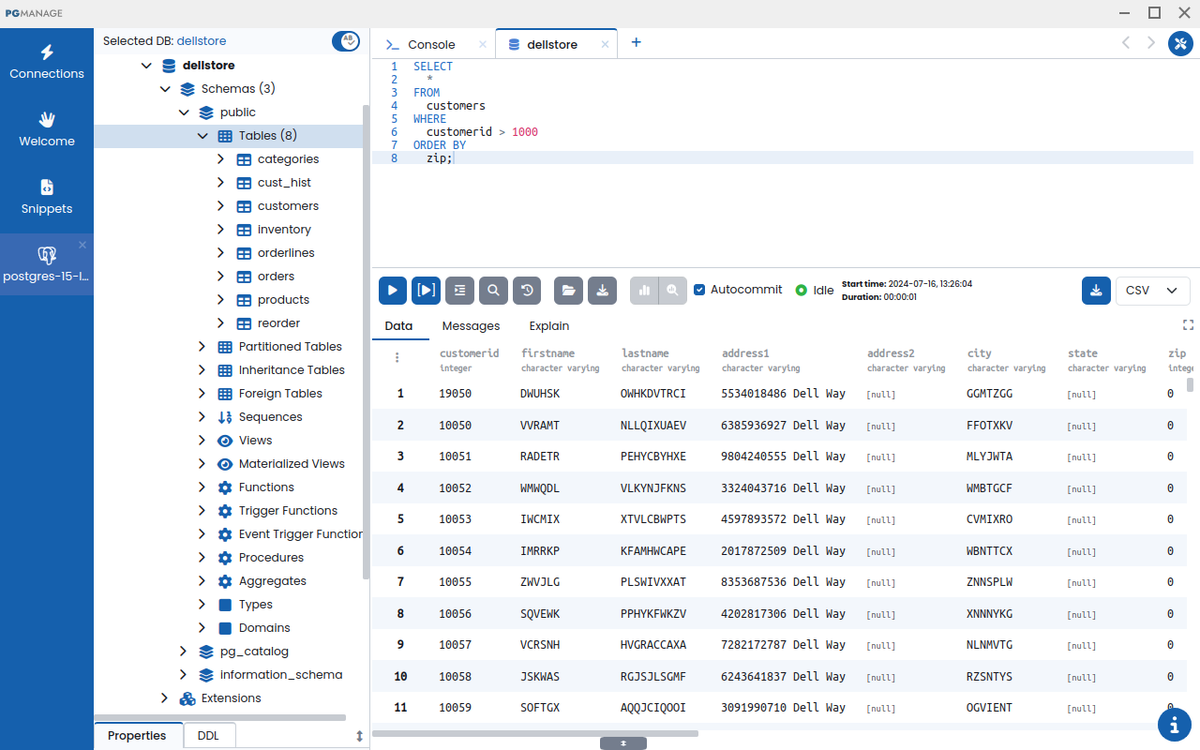
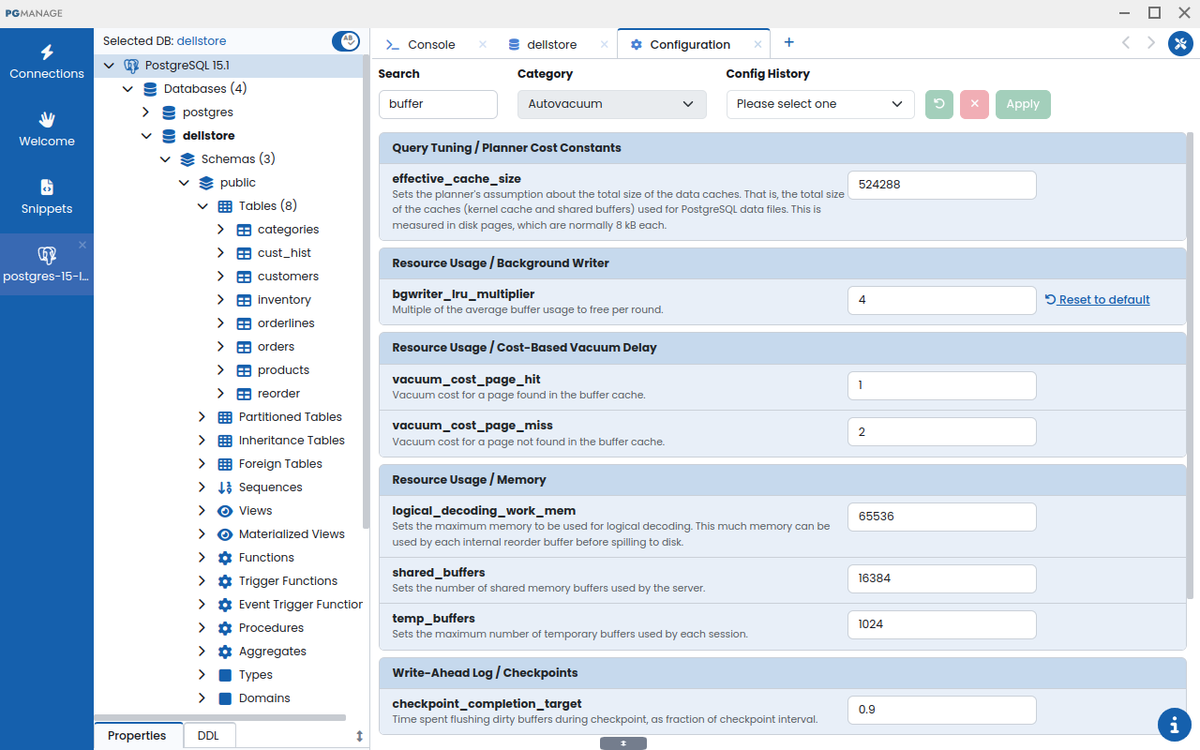
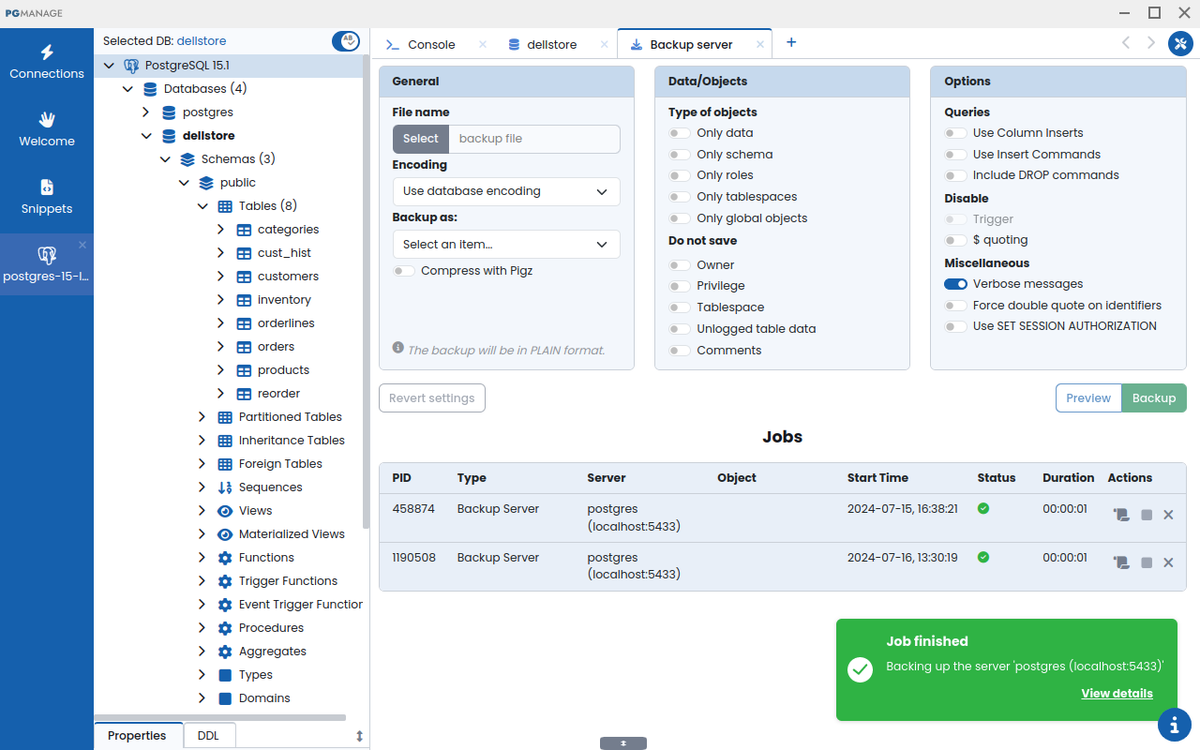
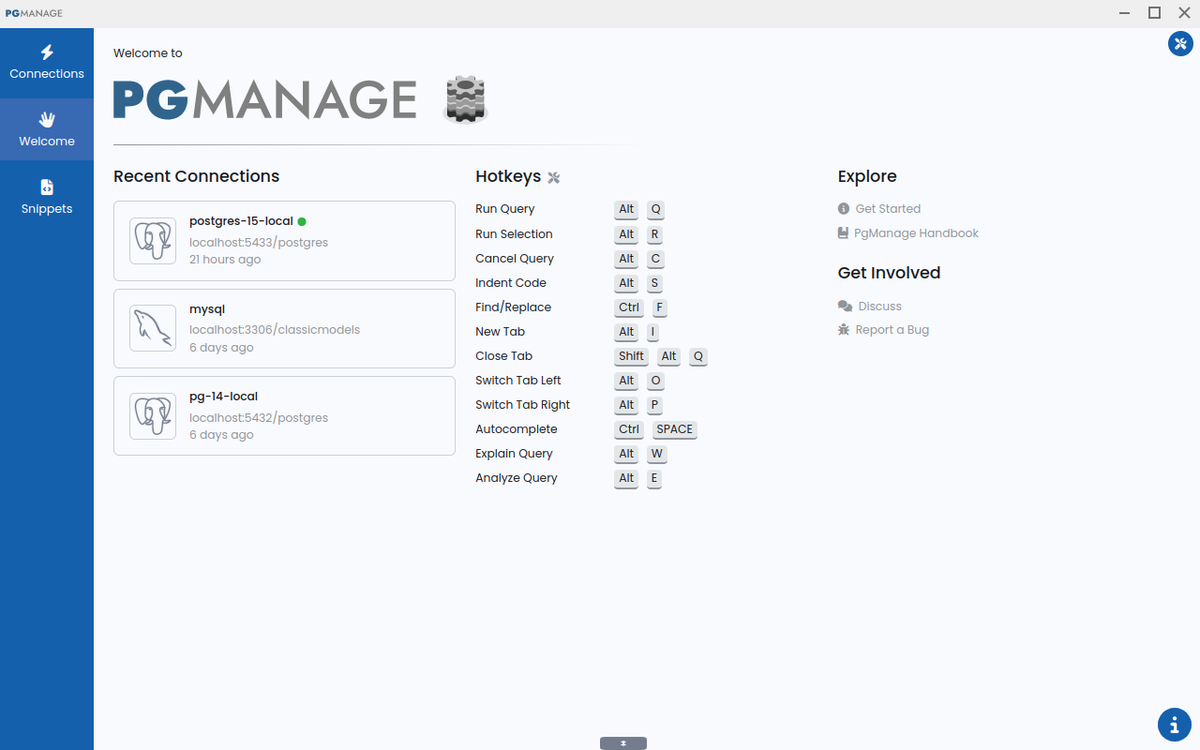
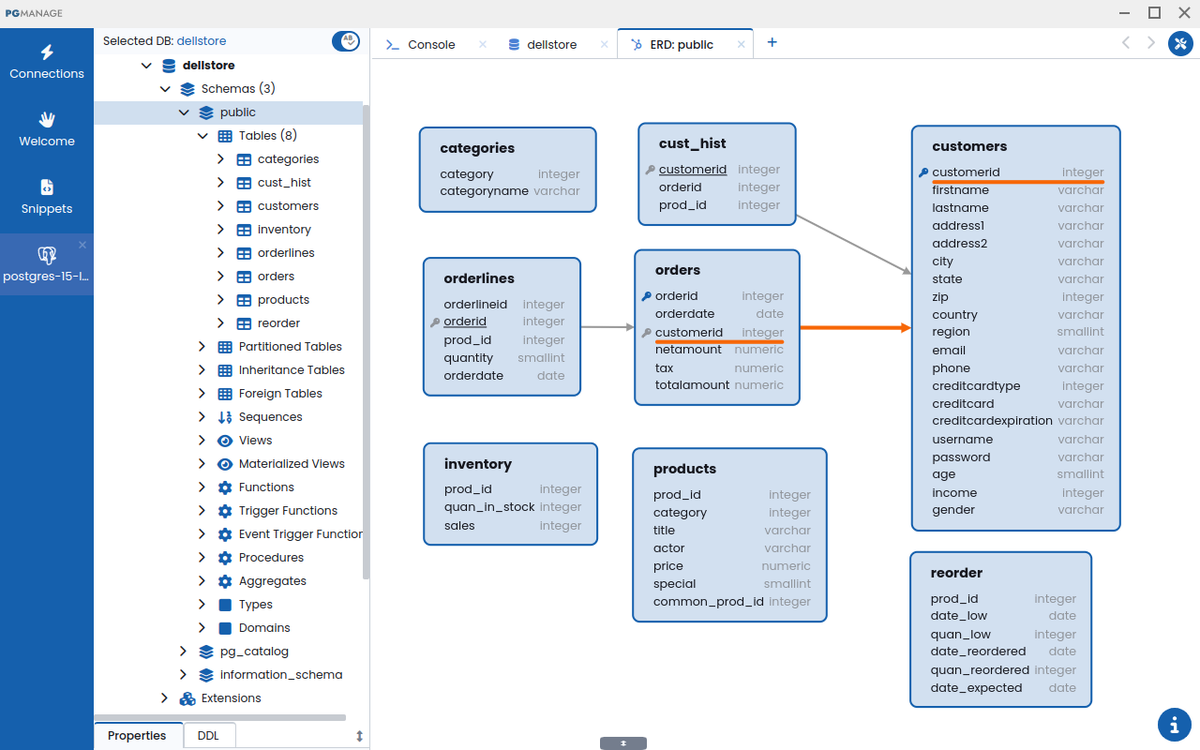
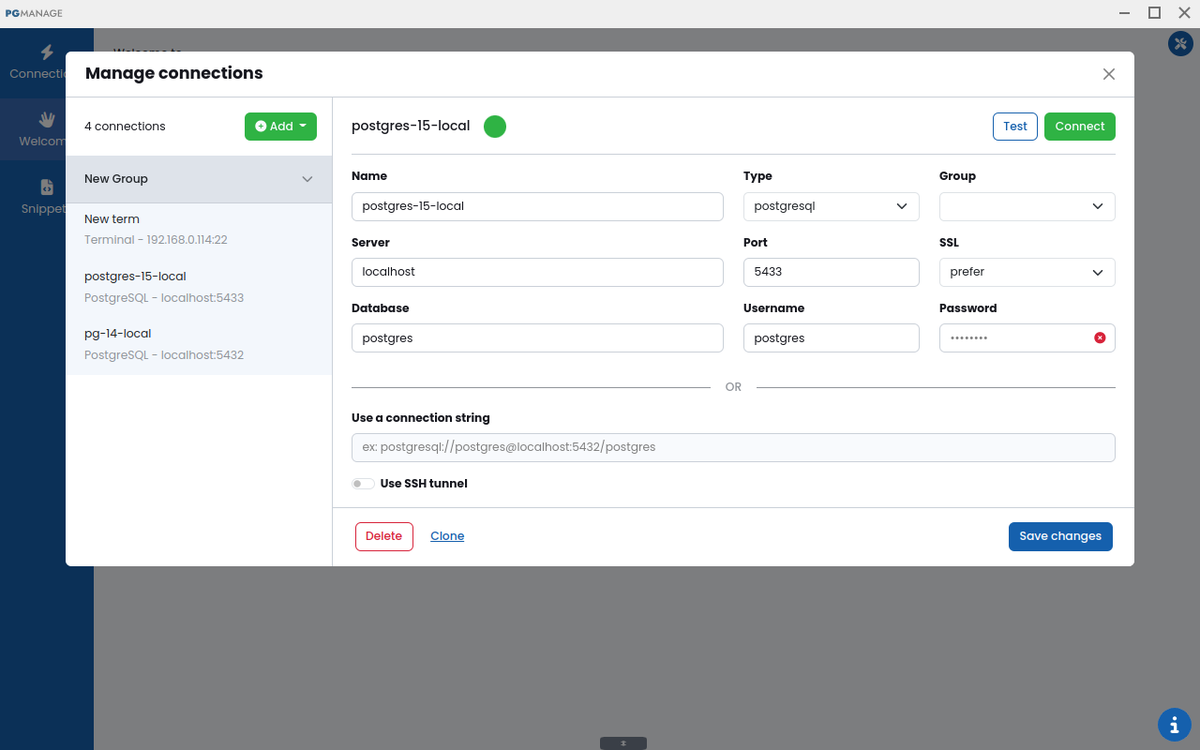
Spin It Up

Linux AppImage

Windows

macOS

AWS

Latest Release
Audax Data Manager 1.5 Release Highlights:
Schema editor:
Oracle is now supported by Schema Editor
Added support for renaming indexes in MySQL, MariaDB, SQLite3 and MS SQL Server
Added support for updating column comments for Postgres, MySQL and MariaDB
Improved Keyboard Navigation:
Added support for keyboard navigation in Database Explorer using Page-Up, Page-Down, Home, End and arrow keys.
Context menus can now be opened using the keyboard "Context Menu" key in Data Editor, Query Tabs, Snippets and Database Explorer.
Implemented hotkey support for Copy/Paste and Clear actions in data grids
Data Editor:
It is now possible to copy and paste cell regions in the same way as it is done in popular spreadsheet editors
Cells with lengthy or complex content can now be edited in a dedicated modal window in addition to inline editing
UX:
Full-screen mode support for Data Editor and ERD tabs
Added quick access to theme and font size settings in the app sidebar
Query history commands are not deduplicated if the same command is run several times in a row
Added the "unsaved data" warning when user tries to close a workspace or tab
Backups/Restore:
Added support for multiple versions of pg_dump/pg_restore binaries. Backup/Restore features will now try to select a version that is matching Postgres server being backed up.
Full Release Notes on Github
Enterprise Edition
| Features | Community | Enterprise |
|---|---|---|
| All Core Features | ✔️ | ✔️ |
| Works Offline | ✔️ | ✖️ |
| Remote Access via web browser | ✖️ | ✔️ |
| Multi User Support | ✖️ | ✔️ |
| Oauth2 Authentication | ✖️ | ✔️ |
| AWS Deployment | ✖️ | ✔️ |
| Docker Deployment | ✖️ | ✔️ |